


Powered by AI
Creative requests template
From initial intake to final deliverables, keep your creative production process running smoothly with this creative request template.

![[Templates] Creative Requests - hero](https://assets.asana.biz/transform/f7940807-c1a8-4e92-8f04-54a9b75de3b5/Creative-requests-Creative-Production-Workflow-Package?io=transform:fill,width:2560&format=webp)
Powered by AI
Creative requests template
From initial intake to final deliverables, keep your creative production process running smoothly with this creative request template.



Streamline creative requests to keep campaigns on track
A creative request form template provides teams with a standardized process for collecting, reviewing, and routing incoming creative work without manually sorting submissions. Every request enters the same workflow, so teams can see what needs attention, who owns each step, and how projects progress from intake to delivery. With custom fields, automations, and Asana AI, you spend less time tracking down missing details and more time turning each request into a detailed creative brief.
Collect creative requests with a plug-and-go intake workflow.
A built-in form captures the details you need, while unique IDs, email follow-ups, and team-only comments provide a central place for teams to gather context before starting work.
Review and prepare creative requests faster with AI.
AI names each submission, asks for missing information, and drafts responses to help teams process requests quickly, avoiding repetitive follow-up.
Organize creative work with custom statuses.
Custom status types help teams categorize requests, monitor progress, and identify items needing attention.
Automate schedules and timelines for every request.
Rules set due dates based on request type, so teams plan workloads without manual scheduling.
Track creative workloads and progress in one dashboard.
Performance charts display volume, timing, and trends so teams understand how requests progress and can adjust their workflow as needed.
When to use a creative request form template
An Asana creative request template helps your team gather project details in a standardized way before work begins. If you receive vague messages like “Can you make this?” or “We need a quick design,” a creative project request form provides the necessary information to scope the work, set expectations, and complete the project without miscommunication.
Teams use a creative request form when supporting multiple stakeholders, managing a high volume of requests, or needing a structured way to request graphic design services, web design, social media content, or marketing projects. With an Asana creative request form, every request is submitted in the same format, making it easier for team members to assign tasks, set timelines, and prioritize creative projects to keep them on schedule.
This request template is a good fit when you want to:
Centralize all incoming requests. Define priorities and understand everything your creative team is working on by managing all incoming requests in the same tool.
Collect the right details. Missing information, like creative requirements or design specs, can delay work. Use a form to help teams submit requests with all the necessary details.
Set expectations. For every request you receive, determine its priority level, assign it to someone, and set deadlines so everyone is on the same page about who’s creating what and when.
Speed up the feedback cycle. Streamline your approval process by monitoring feedback and notes alongside creative work and assets.
With a shared creative intake form, your team can focus on producing on-brand creative assets, print materials, event assets, and other collateral for your marketing teams.
How to use a creative request form template
Asana’s creative requests workflow template provides teams with a consistent method to collect, review, and complete creative work in one centralized location. You start in the main project view, where all active requests are displayed, then navigate to forms, fields, and rules that guide how work progresses from intake to completion. This template helps creative teams handle demand more efficiently by reducing ad-hoc messages and establishing a more predictable intake process.
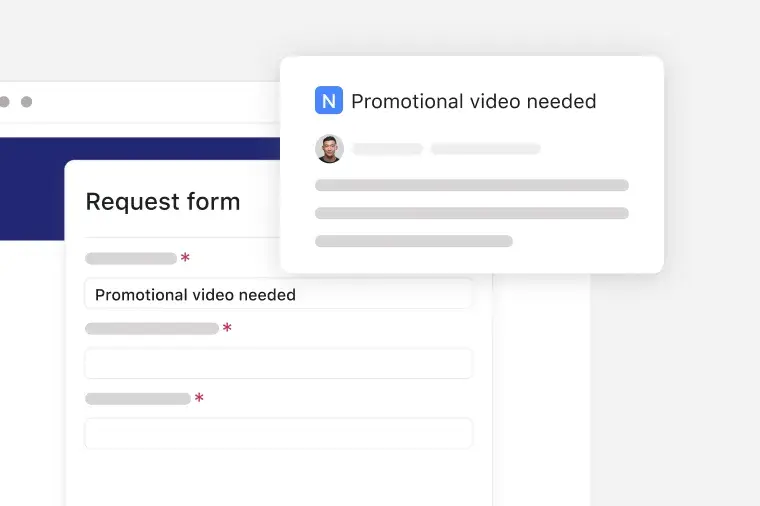
Collect creative requests with a form
You collect all incoming creative needs through a built-in form that gathers project details, goals, and required assets. The template assigns each submission a unique ID and gives teams a workspace to add email follow-ups and team-only comments as they refine the brief.
Review creative requests with AI
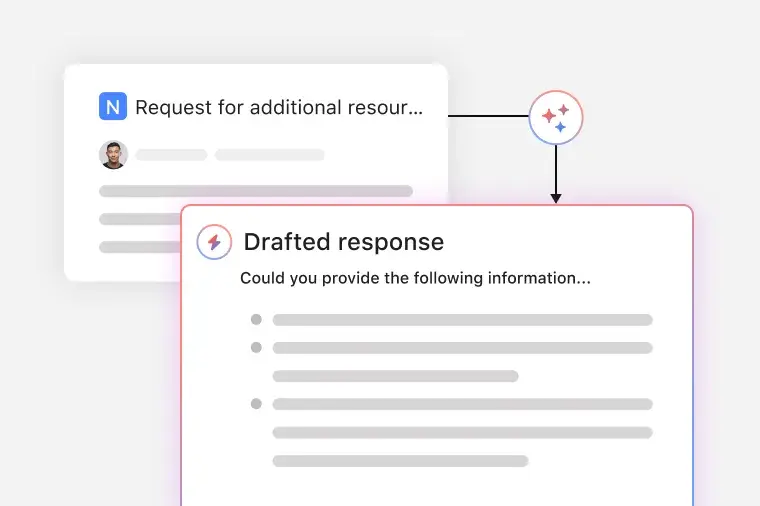
AI names new submissions, prompts requestors for missing information, and drafts responses so teams sort and qualify work faster. AI assistance removes manual triage and advances creative requests into production with fewer delays.
Organize creative requests by status
The template categorizes work using custom status steps that match your creative process. These statuses show what’s new, in review, in production, or ready for delivery, so your team focuses on the right requests at the right time.

Automatically set due dates for requests
Rules automatically assign due dates based on request type, providing creative teams with reliable timelines without manual scheduling. Automation keeps production on track, even during busy periods.

Track progress with dashboards
Dashboards give teams a visual view of request volume, throughput, and timing across all stages of creative work. Graphs and charts help teams understand workload trends and spot where creative requests bottleneck.

This creative requests workflow template is like an extra set of hands that organizes creative requests, highlights next steps, and keeps work moving toward delivery. It supports every stage of the process, from the initial brief to the final handoff, so teams know what to work on and when. As more requests flow through the system, this ready-made workflow reduces friction, improves turnaround, and gives creative teams room to focus on producing creative work.
Transform how your team manages creative requests with Asana AI. Each feature improves your workflow and helps you progress from intake to delivery with less manual effort.
Review creative requests with AI. AI reviews each submission and helps you sort and understand the work as it arrives. You get a quicker assessment of scope, timing, and next steps without delaying the request process.
AI auto-names each request. AI reads the submission and generates a specific title to avoid cluttering your list with vague names. You know what each request is about before opening it.
AI follows up for missing information. When a requestor omits key details, the AI sends a follow-up message asking for the details you need. This ensures complete requests on the first try and helps your team avoid lengthy message threads.
AI drafts responses. AI generates a reply based on the request details and status. It helps you approve, decline, or ask for changes with less typing. Your team can also personalize the message before sending it.
Customers that use Asana templates to work



![[Logo] Affirm](https://assets.asana.biz/transform/5c33f186-151e-4999-b0b5-4081f236b3cd/Affirm_logo-svg?io=transform:fill,width:2560&format=webp)




Related templates
![[Templates] Social Media Calendar (Card)](https://assets.asana.biz/transform/3d20dd82-f67c-47be-a595-0d0019ee7e98/Social-media-calendar-m?io=transform:fill,width:2560&format=webp)
![[Templates] Editorial Calendar (Card image)](https://assets.asana.biz/transform/5fac5de2-17f6-4d69-8cd3-091a887a24bd/TG23-web-thumbnail-042-editorial-resource-management-static-2x?io=transform:fill,width:2560&format=webp)
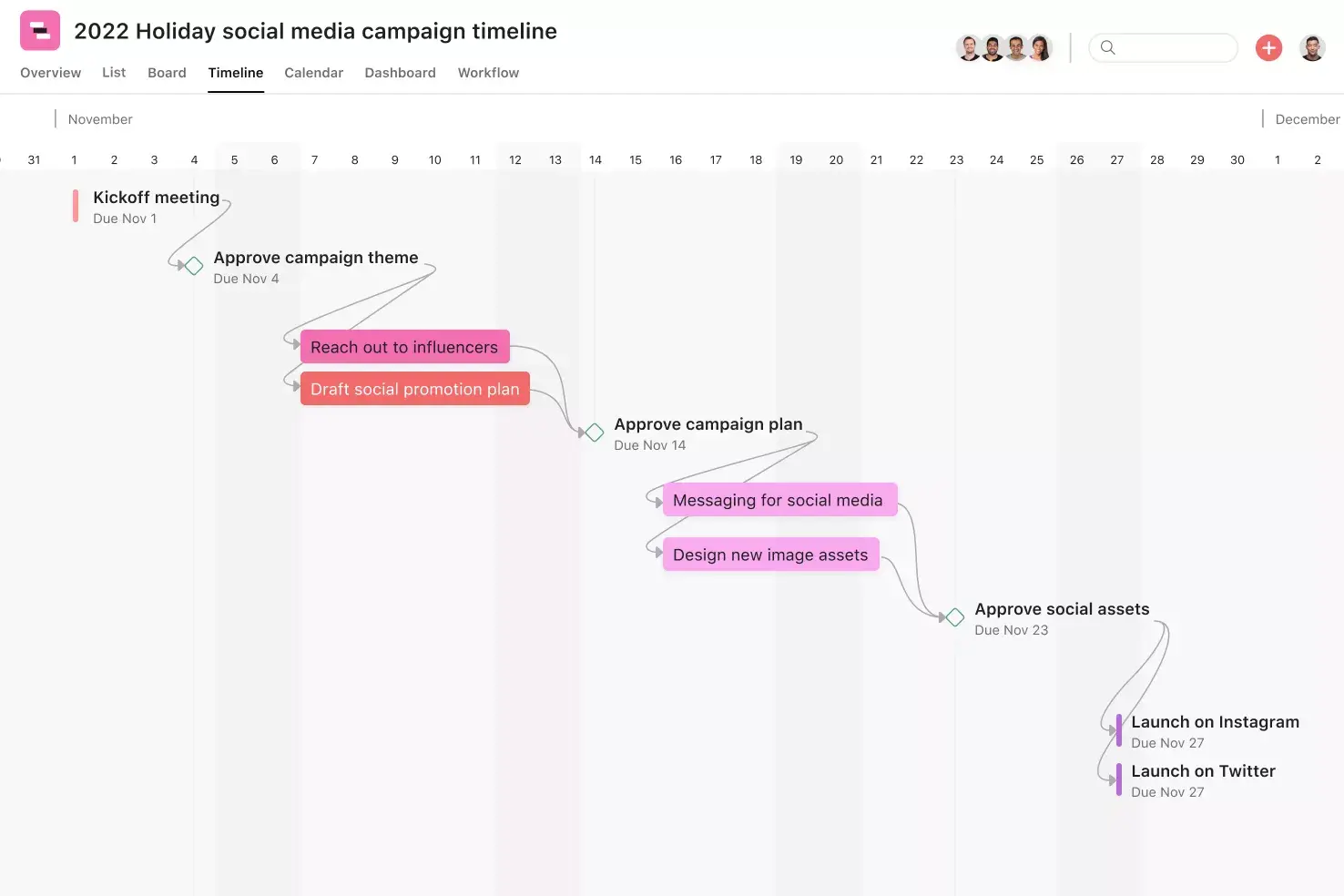
![[Templates] Creative Asset Feedback and Approval (card image)](https://assets.asana.biz/transform/c768a28c-822f-420f-93f9-f2eea4c93780/TG23-web-thumbnail-032-bill-of-materials-static-2x?io=transform:fill,width:2560&format=webp)
![[Templates] Agency Collaboration (card image)](https://assets.asana.biz/transform/f289a866-6162-4b01-9f42-13fdb9147144/TG23-web-hero-047-implementation-plan-thumbnail-2x?io=transform:fill,width:2560&format=webp)
![[Templates] Campaign management plan template banner image](https://assets.asana.biz/transform/d0762c4d-c7d8-49bc-823b-4b93513e6b48/Template_CampaignMgmt_Thumb?io=transform:fill,width:2560&format=webp)
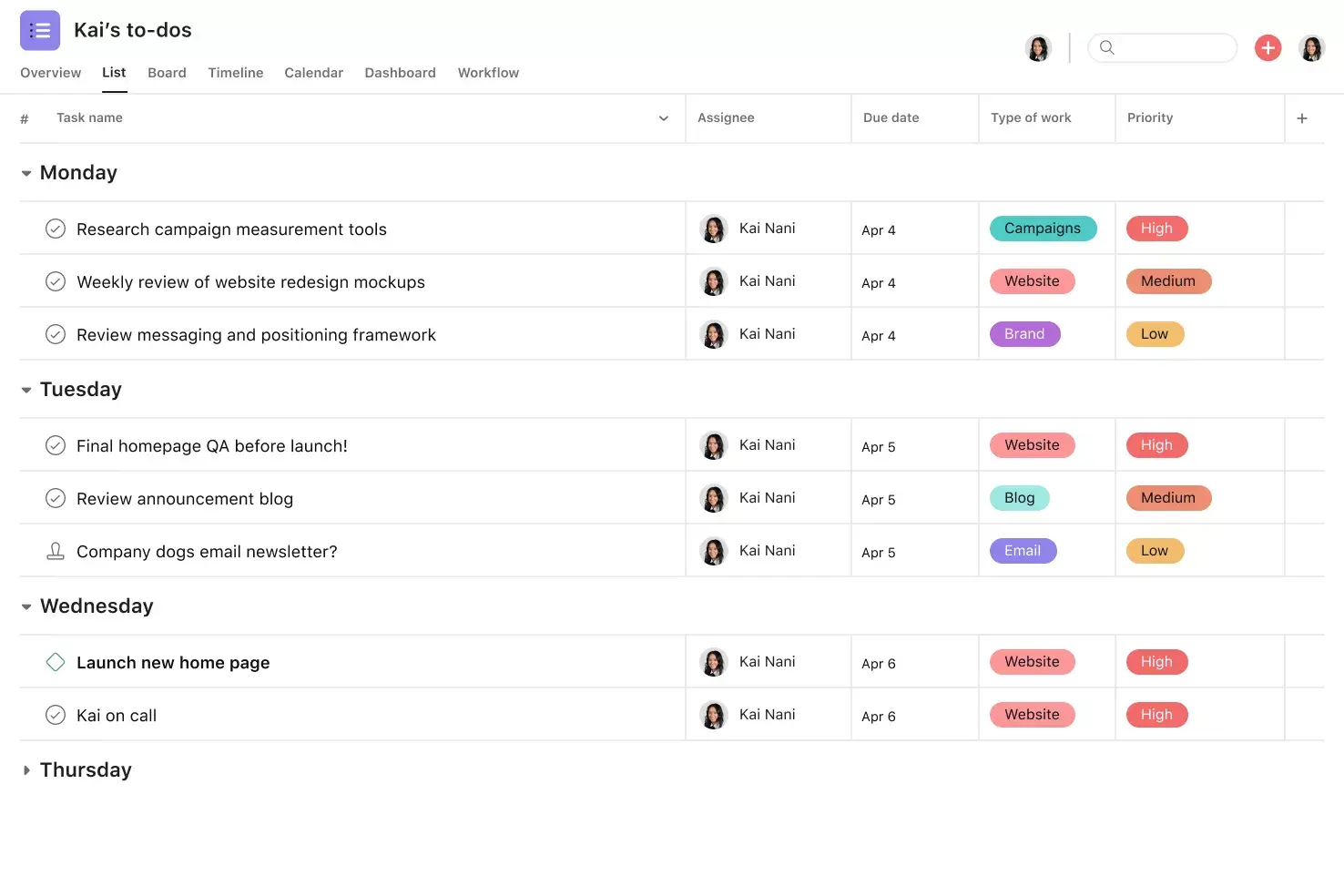
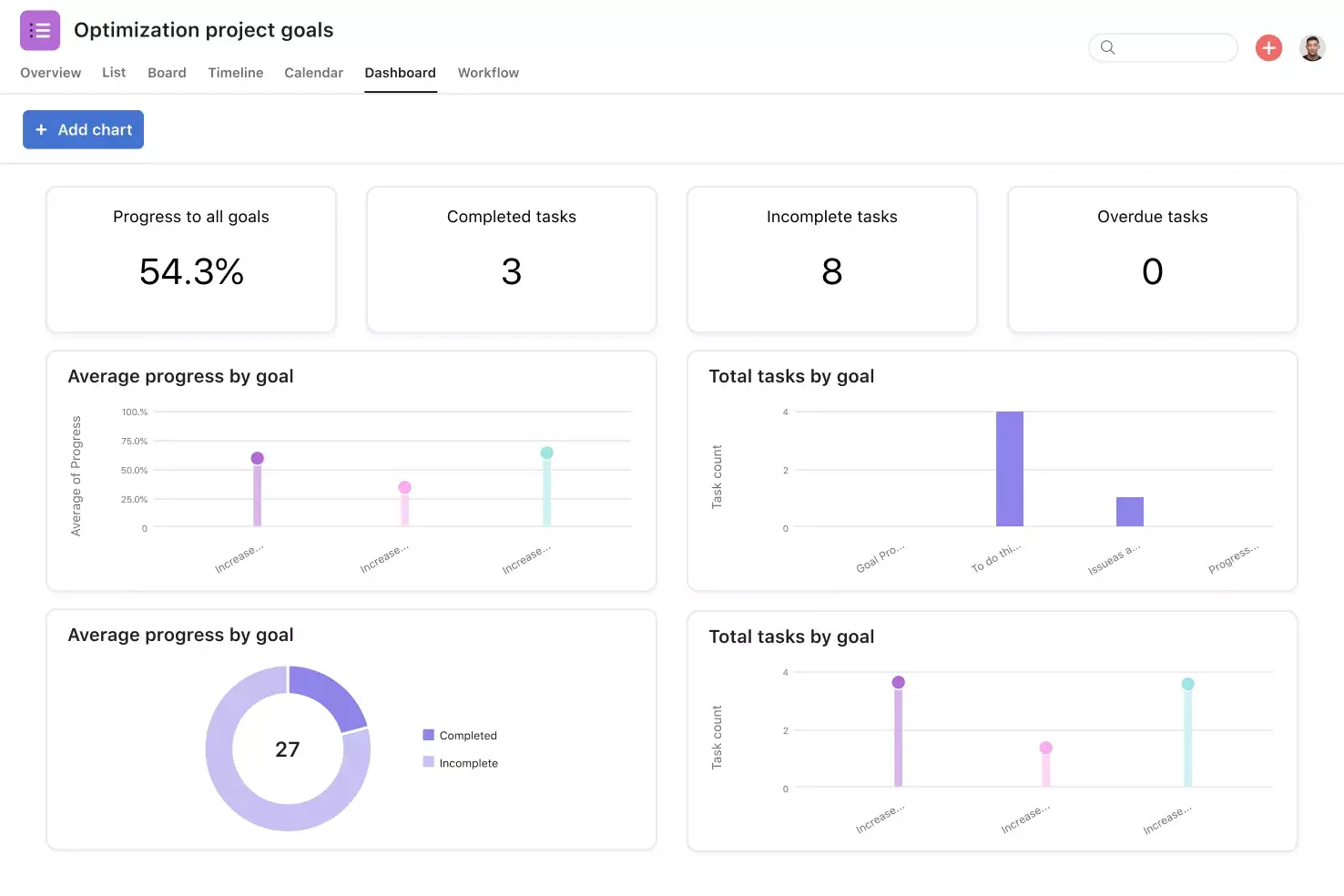
Frequently asked questions about task management tools
A creative request form is a framework for gathering the details needed to start new creative projects, and it provides teams with a standardized request process that captures goals, timelines, target audiences, and any supporting context in one place. When using an Asana request form, teams can oversee their creative process from all perspectives with fewer questions and quicker decisions.
A well-designed creative request form template guides requestors in providing the necessary details promptly, and helps teams to understand the scope, purpose, and required assets before starting work. The most effective work order forms feature sections for goals, deadlines, target audiences, and reference materials.
Good examples of request forms include marketing request forms, design intake forms, production briefs, and other structured submissions that help teams begin work with the necessary information. Many teams also use a graphic design request form for visual assets or a campaign form for larger initiatives. Each type of form should offer requestors a templated way to share the details needed to start the work.
The reason for using an Asana form template instead of a Google Doc or Word document is that Asana converts each submission into a trackable workflow where tasks, owners, dates, and context are all in one workspace. Asana also offers conditional logic, comments, and automation features that help teams assign work, answer questions, and keep projects moving within their project management platform.
You can improve your creative request forms by refining the fields to prompt useful information and reduce follow-up questions. You can also improve results by automating the assignment of projects, deadlines, and notifications so each request reaches the right team member without manual sorting. Regularly review your workflow and update forms as your marketing request process evolves.